

How to Build a Social Media Posting Plan Your Team Can Maintain
If you want to know how to build a social media posting plan that your team can maintain, start by making it realistic. Pick clear goals, choose a few content themes, assign simple roles, and plan posts in a shared calendar. The best plan is not the busiest one. It is the one your team can follow every week without stress, confusion, or last-minute panic.
Many teams fail because they create a plan built for an ideal month, not a normal one. Meetings run long, approvals stall, people go on leave, and trends change fast. A strong posting plan leaves room for real work. It balances consistency with flexibility, so your brand stays active without wearing people out.
What makes a posting plan sustainable?
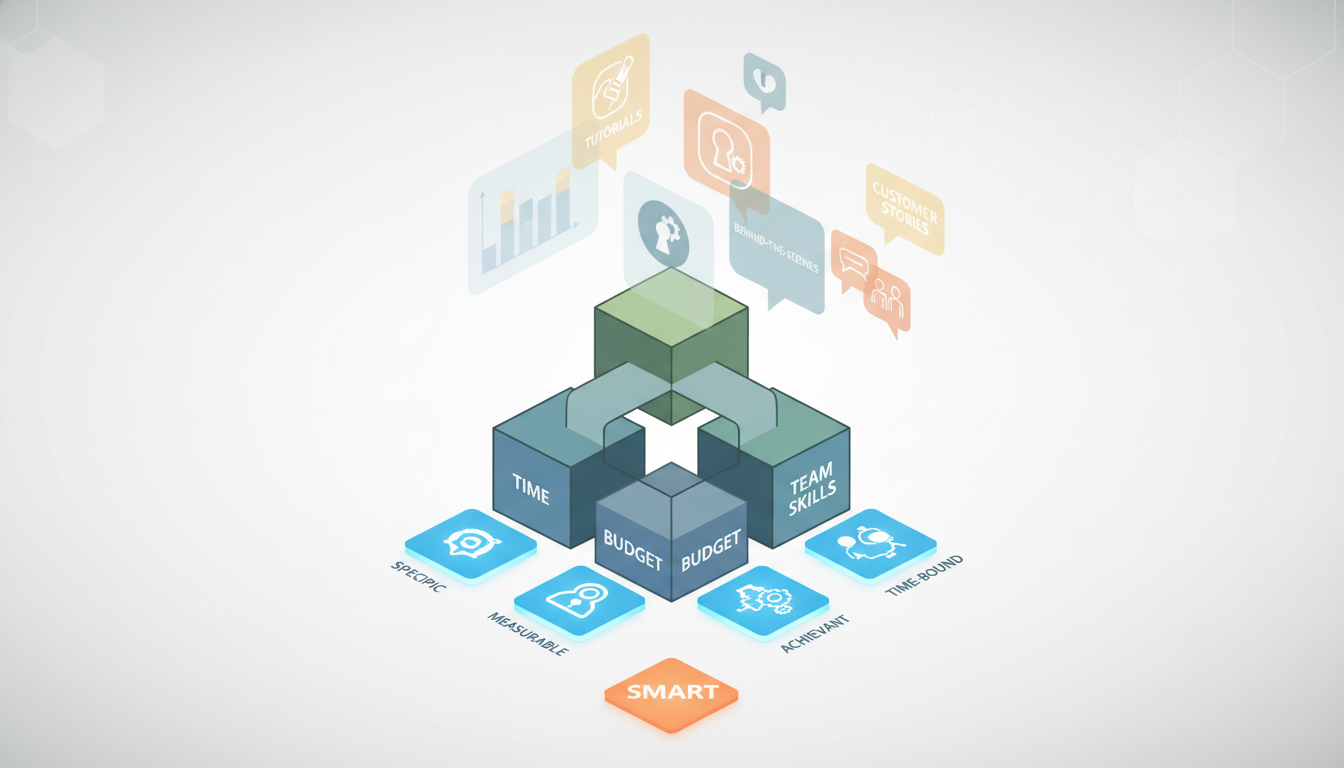
A sustainable plan fits your team’s time, skills, and budget. It does not depend on one star employee doing everything. It also does not require daily original content if your team can only manage three quality posts a week. Sustainable social media is about repeatable habits, not heroic effort.
Start with SMART goals. That means goals should be specific, measurable, attainable, relevant, and time-bound. For example, “increase Instagram saves by 20 percent in three months” is more useful than “do better on Instagram.” Clear goals guide your topics, posting frequency, and metrics.
Next, learn what your audience actually wants. Use platform analytics, customer questions, sales feedback, and website data. If followers engage most with tutorials, behind-the-scenes clips, or customer stories, build more of that. When content matches audience needs, planning gets easier because your team knows what to make.
Choose platforms carefully. Not every brand needs TikTok, LinkedIn, Instagram, Facebook, X, Pinterest, and YouTube at once. Focus on the places where your audience is active and where your team can create suitable content. A small team often gets better results from two strong channels than six weak ones.
How do you set up the plan step by step?
Once goals and platforms are clear, turn your strategy into a simple system. This is where many teams overcomplicate things. Keep the process easy to understand, easy to teach, and easy to repeat.
- Set one to three business goals for social media.
- Define your target audience and the questions they ask.
- Choose your main platforms and posting frequency.
- Create three to five content pillars.
- Build a monthly content calendar.
- Assign owners, deadlines, and approval steps.
- Schedule posts and leave room for live updates.
- Review results every month and adjust.
Content pillars are especially helpful. They are broad themes that guide your ideas, such as education, product news, community stories, industry insights, and promotions. With pillars in place, your team avoids staring at a blank screen. It also keeps your feed balanced instead of overly sales-focused.
Recurring themes help even more. You might run a Monday tip, a Wednesday customer spotlight, and a Friday short video. These repeatable formats reduce decision fatigue and speed up production. They also help followers know what to expect, which can improve engagement over time.
Who should do what on the team?
Assigning social media roles for consistent posting is one of the biggest factors in success. Even a small team needs clear responsibility. If everyone owns everything, no one owns anything. A posting plan stays healthy when each task has a named person and deadline.
Typical roles include strategist, writer, designer, approver, scheduler, community manager, and analyst. One person may cover several roles in a small business, but the duties should still be clear. Separate publishing from engagement when possible. Scheduled posts keep content moving, while live engagement builds trust and responsiveness.
Document your workflow. For example, the writer drafts by Tuesday, the designer finishes visuals by Wednesday, the manager approves by Thursday, and the coordinator schedules by Friday. A documented process reduces delays, protects brand consistency, and helps new team members step in faster.
Use one shared calendar that everyone can see. It should show the post topic, platform, format, owner, draft status, approval status, and publish date. This gives the team one source of truth. It also makes workload problems visible before deadlines are missed.
What should go into your content calendar?
Your calendar should be practical, not pretty for its own sake. Include only details your team needs to publish smoothly. Most teams do well with a monthly view and a weekly check-in. Planning too far ahead can make the content feel stale, while planning too late creates stress.
Good social media content calendar best practices include mapping posts to campaigns, product launches, seasonal events, and audience interests. Add important dates, but do not fill every slot immediately. Leave some space for timely reactions, user-generated content, or platform trends that fit your brand voice.
For each planned post, note the goal, audience, message, call to action, format, and asset status. This helps teams catch gaps early. If a post has no clear purpose, rewrite it or remove it. Every item in the calendar should support a business goal or audience need.
Batching work can save time. Write captions for several posts in one session. Design templates for repeating series. Film multiple short videos at once. Teams using Canva, Buffer, Hootsuite, Later, Meta Business Suite, or Sprout Social often save hours by combining batching with scheduling tools.
How often should your team post?
There is no universal perfect number. The right frequency depends on your platform, audience, and resources. A maintainable schedule is always better than an ambitious schedule that collapses after two weeks. If your team can confidently publish three strong posts a week, start there.
Look at platform norms, but do not copy large brands blindly. Big companies have larger teams, agency support, and bigger budgets. Your goal is steady quality. Test different times and volumes, then compare reach, clicks, comments, saves, and conversions. Let the data shape your strategies to optimize social media posting schedule.
Also remember that posting is only part of the job. Teams need time to answer comments, report results, review competitors, and refresh ideas. If your schedule leaves no space for engagement or analysis, it is too full. Social media is not only publishing. It is also listening and learning.
Which tools help teams stay organized?
Tools for social media team collaboration and scheduling can make a big difference, but only if your workflow is already clear. A tool cannot fix confusion. It can, however, speed up planning, approval, and reporting once your process makes sense.
- Google Sheets or Airtable for simple calendars
- Trello, Asana, or Monday for task tracking
- Buffer, Hootsuite, Later, or Sprout Social for scheduling
- Canva or Adobe Express for fast design work
- Meta Business Suite for Facebook and Instagram management
- Semrush or native analytics for performance and competitor review
Use automation carefully. Scheduling posts in advance is efficient, but real-time moments still matter. Someone should check comments, messages, and mentions daily. That human attention helps your brand feel present, especially during customer questions, complaints, or trend-driven opportunities.

How do you improve the plan over time?
A posting plan is never finished. Review it every month. Check which topics, formats, and posting times perform best. Look for patterns, not one-off spikes. If educational carousels drive saves and short videos bring reach, keep testing both while refining the message and call to action.
Quarterly reviews are useful too. Revisit goals, workload, platform focus, and team roles. If one channel takes too much effort for too little return, scale it back. If a new format is working, build it into your regular plan. This is how to build a sustainable social media posting plan that keeps improving instead of burning out.
FAQ
How far in advance should a team plan social media posts?
Most teams do well planning two to four weeks ahead. That window gives structure without making the content feel rigid or outdated.
What if our team is too small for daily posting?
Post less often and focus on quality. A smaller schedule that your team can maintain is better than daily posting that leads to rushed work.
Should every post be promotional?
No. A healthy mix includes educational, entertaining, community, and promotional content. Too many sales posts can lower trust and engagement.
How do we know the plan is working?
Track metrics tied to your goals, such as reach, saves, clicks, leads, or conversions. If performance and team consistency improve together, the plan is working.