Custom AI vs Off-the-Shelf: Which Delivers Better ROI?

Choosing between custom AI development and off-the-shelf AI hinges on workflow fit and ROI impact. Off-the-shelf AI suits common, standardized tasks with lower upfront costs and faster deployment, ideal for quick productivity gains in support automation or generic workflows. However, it often falls short when deep integration, proprietary data, compliance, or complex decision rules are involved. Custom AI development, despite higher initial investment and longer deployment, delivers superior ROI for specialized workflows requiring tailored automation, enhanced integration, and strategic differentiation. Key factors influencing ROI include workflow fit, integration depth, data readiness, compliance, and long-term value. Hidden costs like change management, data preparation, and vendor lock-in can distort ROI calculations, often underestimated in off-the-shelf solutions. Businesses should start with packaged AI for speed and validation, then transition to custom AI when generic tools limit efficiency or strategic advantage. Ultimately, off-the-shelf AI wins when it removes most costly work; custom AI wins when tailored fit multiplies value by embedding AI into core operations. The decision should prioritize workflow structure and value capture over general model quality or vendor appeal.

Data Analytics Degree vs Certification: What Hiring Managers Value

Choosing between a data analytics degree and certification depends on your current skills and career goals. A degree offers a broad foundation in statistics, programming, and communication, ideal for entry-level candidates, career changers, or those seeking long-term flexibility and credibility. Certifications provide focused proof of proficiency in specific tools like SQL or Power BI, benefiting professionals needing quick validation for role-specific skills. Academic certificates offer a middle path, combining breadth with shorter commitment and potential credit toward advanced degrees. Hiring managers prioritize practical ability—cleaning data, writing SQL, building dashboards, and communicating insights—over credentials alone. Portfolios demonstrating real-world projects significantly enhance both degrees and certifications, proving applied skills and business impact. Role-specific preferences vary: business analyst roles value certifications tied to structured thinking, marketing analysts prioritize portfolios showing applied reporting, while data analyst positions weigh both broad fundamentals and tool-specific certifications aligned with job requirements. Speed favors certifications; long-term growth favors degrees or academic certificates. Salary depends more on role fit and experience than credential type. Ultimately, choose the credential that addresses the biggest hiring manager doubt—credibility (degree) or tool readiness (certification)—and pair it with a strong portfolio to succeed in data analytics careers.

Cloud BI platforms compared for scale, governance, and cost

This comprehensive comparison of cloud BI platforms highlights their advantages over traditional BI tools in scalability, governance, and cost-efficiency. Cloud BI connects directly to modern data warehouses like Snowflake, BigQuery, and AWS Redshift, enabling real-time insights without heavy IT infrastructure. These platforms effortlessly scale to handle massive data volumes and concurrent users through automatic resource allocation and parallel processing. Essential governance features include role-based access control, audit logs, semantic layers, data lineage, and encryption to ensure security and compliance. Pricing models favor flexibility with pay-as-you-go SaaS options ideal for small to medium businesses, while self-managed solutions offer customization for larger enterprises. Leading providers such as Microsoft Power BI, Tableau, Google Looker, and Amazon QuickSight offer unique strengths, with many incorporating AI and self-service analytics to empower users across departments. Cloud BI platforms also support collaborative, real-time reporting, fostering a data-driven culture and faster decision-making. When selecting a platform, organizations should assess use cases, data sources, governance needs, scalability, and total cost of ownership. Overall, cloud BI delivers agile, secure, and cost-effective business intelligence solutions that accelerate insights and support growth in dynamic environments.

Power BI vs Tableau vs Looker: Picking a Platform Based on Your Needs

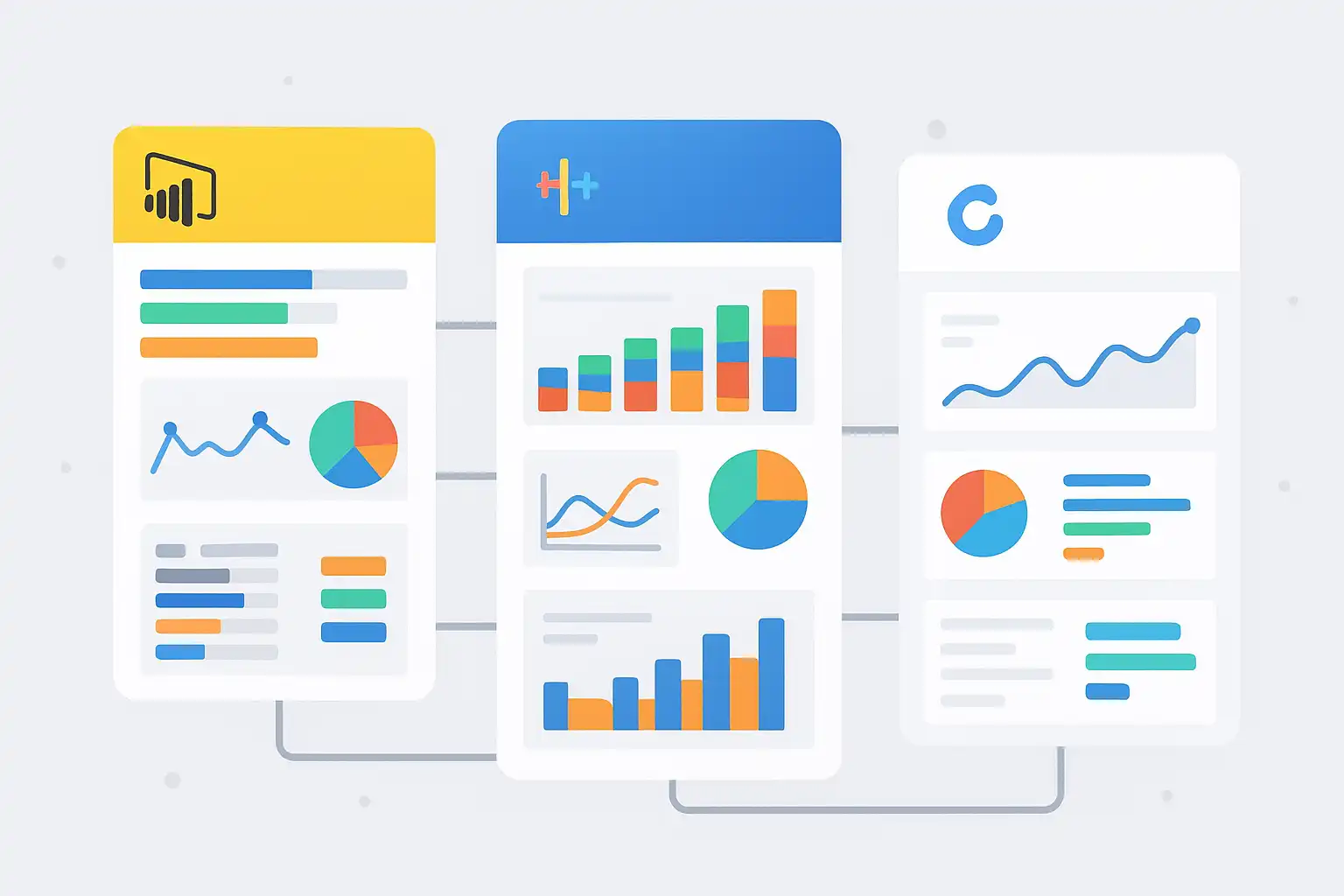
Power BI, Tableau, and Looker are leading business intelligence (BI) platforms, each suited to different organizational needs. Power BI, developed by Microsoft, excels in complex data modeling, offering over 250 connectors and strong integration with Microsoft products, making it ideal for enterprises needing scalable, in-depth analytics at an affordable price. Tableau is favored for its intuitive drag-and-drop interface and superior visualization capabilities, supporting both Windows and macOS, perfect for business users and executives who prioritize visual storytelling and interactive dashboards despite higher licensing costs. Looker Studio, a web-based tool integrated with Google services, provides ease of use and rapid dashboard creation for startups and marketing teams but has limitations in data sources and advanced modeling, often requiring SQL knowledge for complex tasks. Cost-effectiveness varies: Power BI offers flexible pricing for growing teams, Tableau is more expensive but powerful for sophisticated visual analytics, and Looker Studio is mostly free but less scalable. Choosing the right BI tool depends on your industry, data complexity, team skill level, and existing tech stack. Power BI suits finance, operations, and SaaS; Tableau fits marketing and data exploration; Looker Studio works well for Google-centric digital marketing and small businesses. Successful adoption involves aligning BI tools with business goals, providing training, and considering long-term scalability and integration needs.