
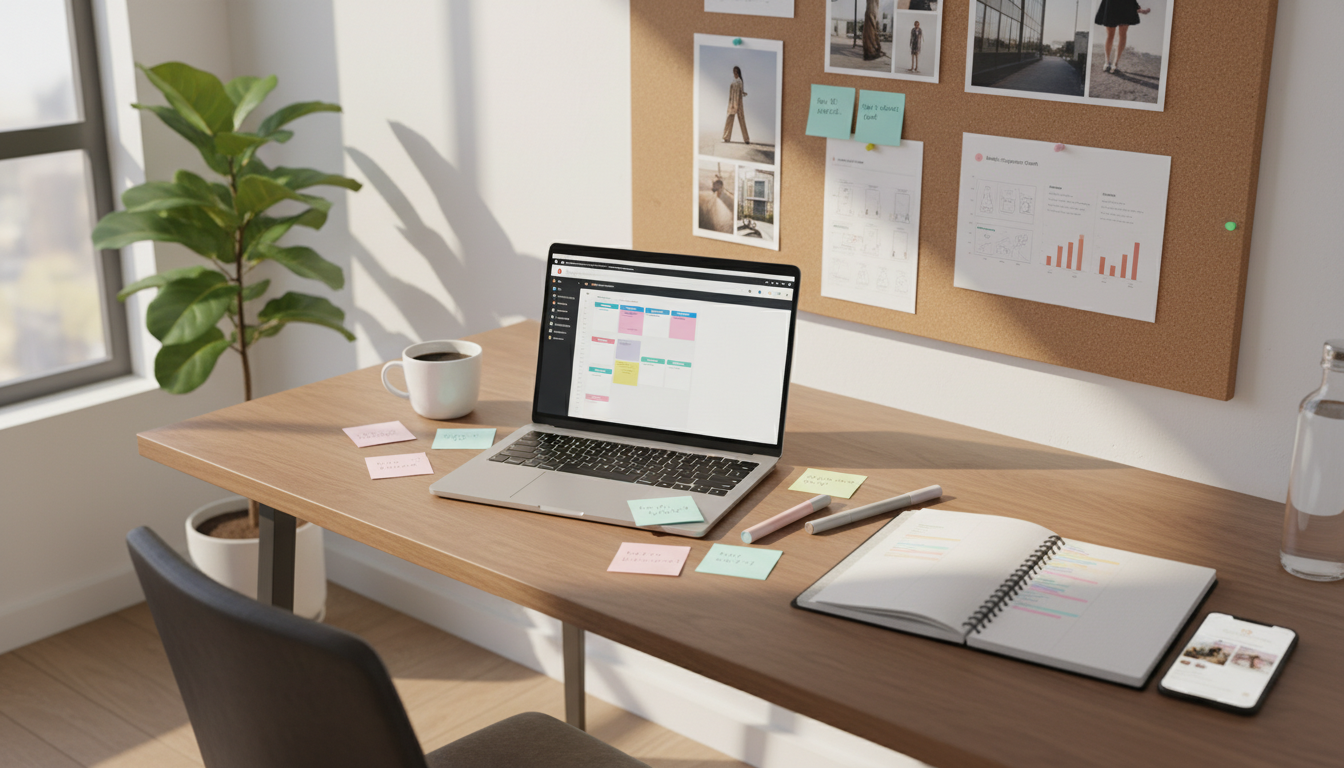
Social Media Content Planner for Instagram That Keeps You Consistent
A social media content planner for Instagram helps you post on time, stay organized, and keep your audience engaged without daily stress. Instead of guessing what to publish, you map out posts, Reels, Stories, and captions in advance. That simple habit makes posting more consistent, which builds trust, improves reach, and supports steady growth.
Consistency matters on Instagram because followers expect regular value. When a brand disappears for days or weeks, people forget it. A planner solves that problem by giving you a clear schedule, content themes, and room to prepare creative ideas before the last minute. It also helps you match your content to business goals, product launches, and seasonal moments.
Whether you run a small business, creator account, or brand team, planning ahead makes content management easier. You spend less time scrambling and more time improving quality. With the right process, even three well-timed posts a week can feel polished, useful, and reliable to your audience.
Why does an Instagram planner improve consistent posting?
An Instagram-focused planner creates structure. That structure turns random posting into a repeatable system. When you know what goes live on Monday, Wednesday, and Friday, you remove decision fatigue. You also reduce the chance of long gaps that hurt visibility and follower trust.
Regular posting reassures followers that your brand is active and dependable. It keeps your name in front of people and gives them more chances to interact. More interaction can support algorithmic favorability, especially when your audience saves, shares, comments, and watches your content over time.
Planning ahead also protects quality. Without a plan, many accounts rush out weak posts just to stay active. A better approach is to prepare content earlier, review visuals, sharpen captions, and publish with purpose. That balance of consistency and quality is what makes a planner valuable.
What should a social media content planner for Instagram include?
The best planners do more than hold dates on a calendar. They help you organize ideas, schedule posts, and track what works. If you want better engagement, look for features that support both planning and learning.
- A monthly and weekly calendar view for clear scheduling
- Spaces for post ideas, captions, hashtags, and calls to action
- Content themes to keep variety across posts and Stories
- Analytics or reporting to spot strong posting times
- Collaboration tools for teams, clients, or approvals
- Asset storage for photos, videos, and brand notes
Useful tools often include Later, Buffer, Hootsuite, Planoly, and Meta Business Suite. Each offers different strengths, but the goal is the same: plan ahead and post with less friction. Some people prefer a spreadsheet or Notion board, while others want a drag-and-drop scheduler. The best choice is the one you will actually use every week.
How do you build a simple Instagram planning system?
You do not need a complicated workflow. A practical system starts with goals, then turns those goals into repeatable content categories. For example, a fitness coach might rotate education, client wins, behind-the-scenes clips, and offers. A bakery might use product highlights, customer photos, process videos, and local events.
- Choose one main goal, such as sales, leads, reach, or community growth.
- Create three to five content pillars that support that goal.
- Pick a realistic posting frequency you can maintain.
- Batch ideas, visuals, and captions each week or month.
- Schedule posts based on audience activity and team capacity.
- Review results and improve the next cycle.
This system works because it removes guesswork. You know what kind of content to make and when to publish it. It also makes content more balanced. Instead of posting the same kind of graphic every time, you create a healthy mix that keeps people interested.
How often should you post on Instagram?
There is no perfect number for every account. Consistency matters more than volume. If you can post five times a week without lowering quality, that may work well. If your best sustainable pace is three times a week, that is still effective when your content is useful and timed well.
Look at your resources first. Can you create photos, short videos, captions, and replies without burning out? A planner should support a pace you can keep for months, not just one busy week. Many brands do well with a mix of feed posts, Reels, and Stories rather than pushing only one format.
Analytics help here. Instagram insights and third-party scheduling tools can show when followers are most active. Posting near those times can improve early engagement, which often helps content travel farther. Testing matters, though. Your audience may respond differently from general benchmarks.
What content mix keeps your Instagram fresh?
A strong planner encourages variety. Variety matters because followers get bored when every post looks the same. It also helps you speak to people at different stages, from first-time viewers to loyal customers ready to buy.
Core content types to rotate
- Educational posts that teach something useful
- Behind-the-scenes content that shows personality and process
- Social proof like reviews, testimonials, or results
- Community content that starts conversations
- Promotional posts tied to offers, launches, or services
Reels can support discovery, carousel posts can explain ideas clearly, and Stories can keep daily contact with your audience. A planner lets you spread these formats across the week so your feed feels active but not repetitive. It also helps you connect timely topics, such as holidays or launches, to your regular themes.
How does scheduling improve overall content management?
Scheduling reduces pressure. When content is prepared in advance, you are not trying to design graphics, write captions, and post in real time. That saves energy and lowers mistakes. It also gives you more space to respond to comments, analyze results, and adjust strategy.
For teams, scheduling improves workflow. One person can draft captions, another can design visuals, and a manager can approve everything before publishing. That shared process keeps standards clear and prevents duplicate work. Even solo creators benefit because they can batch tasks and stay focused.
Planning in advance also supports better timing. Instead of posting whenever you remember, you can align content with peak audience activity. That creates a stronger chance of reach and engagement. Over time, this systematic approach helps protect follower growth and brand reputation.

Common planning mistakes to avoid
Some planners fail because they are too rigid. You need structure, but you also need room for timely posts, trends, and real audience feedback. Another mistake is scheduling everything and never checking performance. A planner is not just a calendar. It is a tool for learning.
Avoid these common issues:
- Posting too much low-quality content just to stay visible
- Ignoring analytics and audience behavior
- Repeating the same topic or format too often
- Creating a plan that is too demanding to maintain
- Forgetting captions, calls to action, or reply time
The fix is simple. Keep your plan realistic, review insights often, and update your content based on what people actually enjoy. Consistency should feel steady, not exhausting.
FAQ
Is a planner useful for small accounts?
Yes. Small accounts often benefit the most because planning helps them show up regularly, look more professional, and make the most of limited time.
Can I use a spreadsheet instead of a tool?
Yes. A spreadsheet can work well if it includes dates, post types, captions, goals, and status labels. Tools become more helpful when you need scheduling, analytics, or team collaboration.
How far ahead should I plan Instagram content?
Most people do well planning two to four weeks ahead. That gives enough structure for consistency while still leaving space for trends, news, and fresh ideas.
Should every post be scheduled?
No. Schedule your core content, then leave some room for spontaneous Stories, live updates, and timely posts. A good planner creates order without making your account feel robotic.