
Social Media Content Planner for LinkedIn That Works Weekly
A social media content planner for LinkedIn helps you post with purpose, stay consistent, and turn ideas into a simple weekly routine. Instead of wondering what to publish every morning, you map out content themes, formats, and goals in advance. That structure saves time, improves quality, and makes your profile or company page feel active and useful to your audience.
LinkedIn rewards steady, relevant posting more than random bursts of activity. A weekly plan works because it balances visibility with value. You show expertise, invite discussion, and build trust without sounding repetitive. Whether you are a founder, marketer, recruiter, consultant, or small business owner, a clear weekly rhythm makes LinkedIn easier to manage.
Why does a weekly LinkedIn plan matter?
Consistency is the main reason. When people see helpful posts from you each week, they start to remember your name and point of view. That repeated exposure supports brand awareness and professional credibility. It also gives the LinkedIn algorithm more chances to test your content with the right readers.
A weekly LinkedIn content structure strategy also reduces decision fatigue. You do not need to invent a new approach daily. You already know what Monday, Wednesday, or Friday is for. That frees your energy for stronger writing, better comments, and smarter engagement.
There is another benefit: easier measurement. If each day has a purpose, it becomes simpler to compare results. You can see whether educational posts bring saves, whether opinion posts spark comments, or whether case studies drive profile visits. Over time, your social media planning tips for LinkedIn growth become grounded in data, not guesses.
What should a social media content planner for LinkedIn include?
Your planner should connect business goals with content choices. Start with clear goals. Do you want more visibility, leads, applicants, event sign-ups, or authority in a niche? Without a goal, content can look busy but achieve little.
Next, define your audience. Think about job titles, industries, common challenges, and the questions people ask before they buy, apply, or trust your brand. Good LinkedIn content planning for professional engagement always starts with audience insight.
Then add practical planning fields:
- Post date and time
- Content theme
- Format, such as text, carousel, image, video, or poll
- Main message or angle
- Call to action
- Owner or approver
- Performance notes after publishing
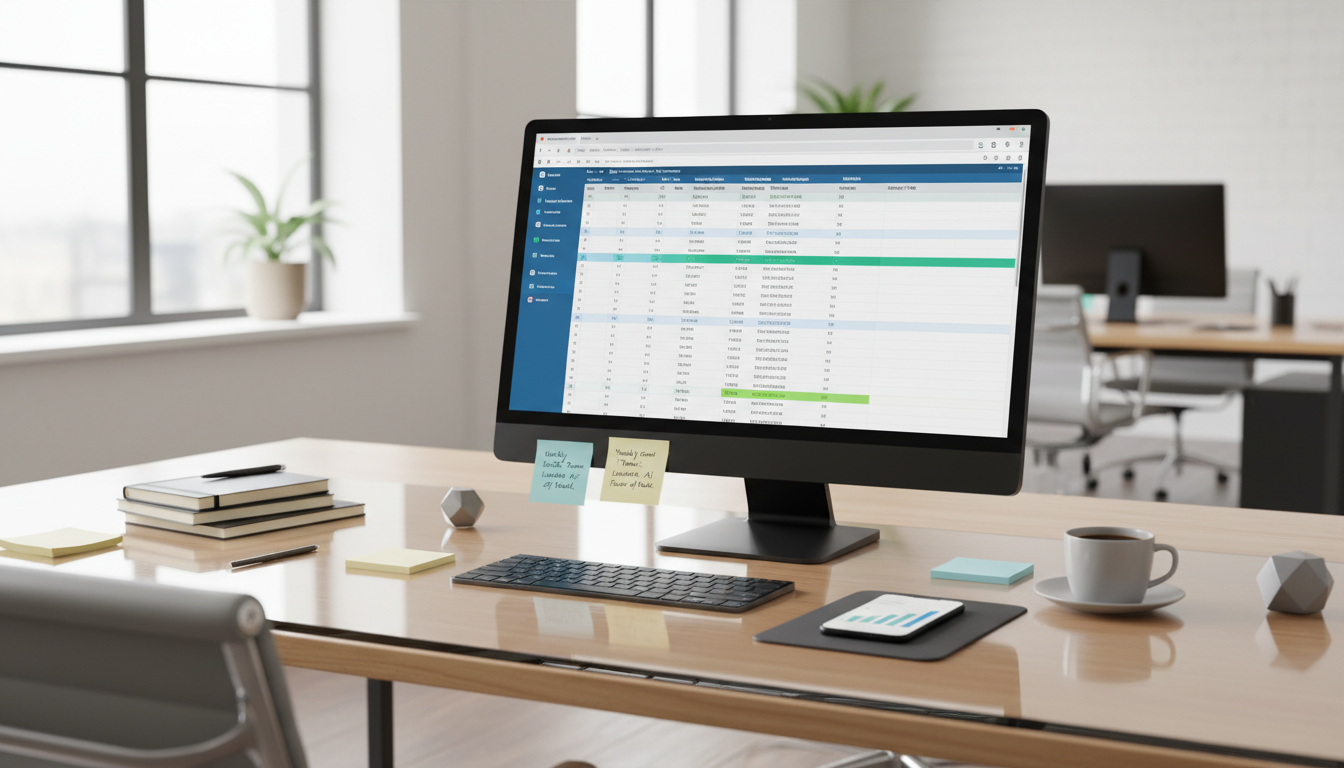
You can build this in Google Sheets, Notion, Trello, Asana, or Airtable. Buffer, Hootsuite, and Sprout Social can help schedule posts, but the planner itself should stay simple enough that your team will actually use it.

How do you build an effective weekly structure?
An effective LinkedIn social media content planner uses repeatable themes. Think of them as content pillars spread across the week. Each pillar should support audience needs and business goals while keeping your feed varied.
Here is a practical five-day model:
- Monday: Share a strong insight, industry trend, or bold opinion.
- Tuesday: Teach something useful with a short how-to, checklist, or framework.
- Wednesday: Show proof with a case study, result, lesson learned, or client story.
- Thursday: Start a conversation with a question, poll, or myth-busting post.
- Friday: Add a human touch with team news, behind-the-scenes moments, or personal reflection.
This pattern works because it mixes authority, usefulness, evidence, engagement, and personality. You can post fewer days if needed, but keep the structure stable. A reliable rhythm often outperforms an ambitious plan that collapses after two weeks.
Choosing the best content types
The best LinkedIn content types for business reach are usually the ones that are easiest to understand and easiest to react to. Text posts work well for sharp opinions and storytelling. Carousels help explain steps or data. Short videos can add warmth and clarity. Polls can spark quick engagement, though they should still feel relevant.
Thought leadership content is useful, but it should not be vague. Real examples are stronger than broad claims. Industry news can work too, especially if you add your own takeaway instead of simply reposting a link. User-generated content, testimonials, and customer questions can also build trust when presented with context.
How often should you post on LinkedIn each week?
For most people and brands, three to five quality posts per week is a strong starting point. Daily posting can work, but only if the content stays useful. One weak post every day usually performs worse than three thoughtful posts each week.
The right frequency depends on your resources and audience expectations. A solo consultant may thrive with three posts and active commenting. A larger company may publish five times per week plus employee advocacy content. What matters most is consistency over several months.
Also remember that posting is only half the job. LinkedIn is a social platform, so engagement matters. Reply to comments, comment on other posts, and start real conversations. Automation helps with scheduling, but authentic interaction is still what makes the plan feel human.
What makes LinkedIn posts perform better?
Good performance usually comes from relevance, clarity, and timing. Start with a clear opening line that tells readers why the post matters. Keep paragraphs short. Use simple words. Avoid cramming too many ideas into one update.
Strong posts often include one of these elements:
- A useful lesson
- A fresh point of view
- A specific result or story
- A relatable problem
- A direct question that invites comments
Formatting matters too. White space makes posts easier to scan on mobile. A focused call to action gives readers a next step, such as sharing an opinion or saving the post. Hashtags can help with categorization, but they are secondary to the quality of the message.
Using data to improve the plan
Review results every week or month. Look at impressions, comments, saves, profile views, click-throughs, and follower growth. Then connect those numbers to post themes and formats. You may find that carousels bring saves, while short stories drive comments.
Do not chase vanity metrics alone. A post with fewer views but stronger conversations may be more valuable than a post with broad reach and no real response. Your planner should include room for testing, learning, and adjusting.

A simple weekly workflow for teams and solo creators
The easiest way to stay on track is to separate planning, creation, publishing, and review. When all four happen at once, the process feels heavy. When they happen in stages, the work becomes manageable.
- Set goals and themes for the month.
- Draft weekly post ideas in one session.
- Create visuals or carousels in batches.
- Schedule posts ahead of time.
- Spend time each day replying and commenting.
- Review performance and refine next week’s plan.
This process supports collaboration too. Marketing can draft, leadership can review, and subject experts can add insights. The result is a stronger weekly LinkedIn content structure strategy without last-minute stress.
FAQ
Can small businesses use the same weekly LinkedIn plan?
Yes. Small businesses often benefit the most from a clear plan because they have limited time. A simple three-post schedule with steady engagement can build visibility and trust without a large team.
Should every LinkedIn post be promotional?
No. Most posts should teach, inform, or start conversations. Promotional content works better when it appears occasionally and clearly connects to audience needs.
How far ahead should I plan LinkedIn content?
Plan core themes one month ahead and draft posts one to two weeks ahead. That gives you structure while leaving room for trends, news, and timely updates.
What is the biggest mistake in LinkedIn planning?
The biggest mistake is posting without a clear goal or audience focus. When content lacks purpose, it becomes inconsistent, repetitive, and easy to ignore.