
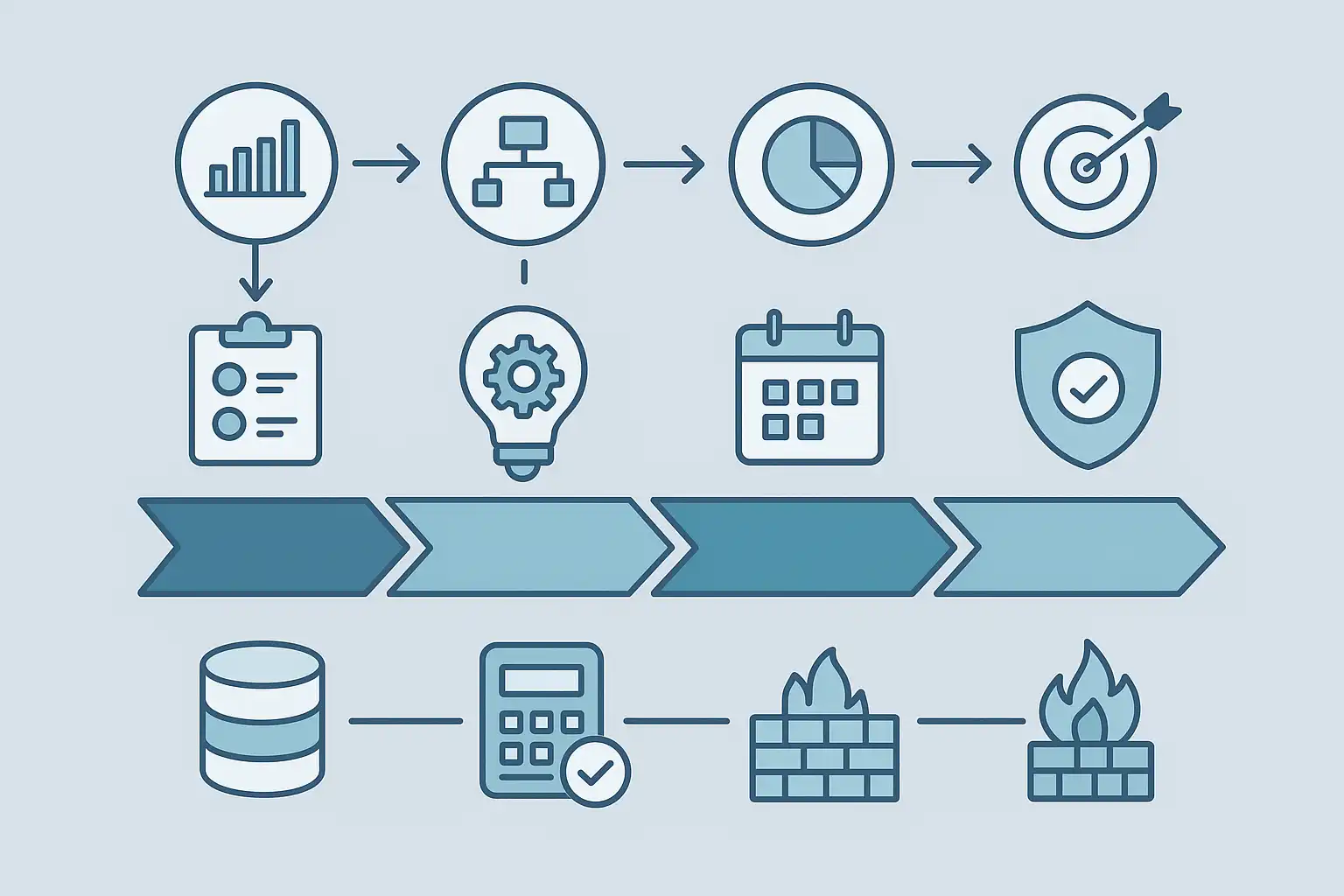
Essential Guide to Data Strategy Roadmap PPT Template Download
Looking to create a clear, actionable data strategy for your organization? A data strategy roadmap PPT can be your best starting point. In this article, you’ll learn what makes a useful data strategy roadmap PowerPoint, why you might need one, and how to find and use the right template—so you can build consensus, clarify plans, and drive progress in your data projects from day one.
Right away, let’s answer the core question: A data strategy roadmap PPT template is a pre-designed PowerPoint document that helps you map out your organization’s data goals, timelines, project phases, and responsibilities. Downloading a solid template saves time, ensures you cover all essentials, and enables clear communication with stakeholders. It covers everything from project vision to data governance and execution steps—all in a visual format anyone can understand.
This guide explains the components to look for, how to use templates for organizational alignment, and tips to adapt a Data Strategy Roadmap Template to your unique needs. We’ll also address the most common questions about effective roadmap design, template features, and practical download advice.
What is a Data Strategy Roadmap PPT Template?
A data strategy roadmap PPT template is a formatted PowerPoint slide deck designed to help organizations lay out their data strategy in a timeline-based visual plan. Unlike a basic slide, a true roadmap PPT template guides you in detailing your organization’s data objectives, projects, roles, and deadlines over different periods—quarterly, half-year, or annually.
The main purpose is to translate ideas and goals into specific, scheduled actions. By mapping initiatives—such as data migration, analytics upgrades, or data governance improvements—across a timeline, everyone from technical teams to leadership can track progress, manage risks, and see how each step aligns with business goals.
These templates are especially useful because they provide structure. Even if you’re new to data strategy, following a template ensures you don’t miss essential components—like assigning responsibilities, noting security steps (firewalls, encryption), or planning for budget and resources. The PPT format is familiar and easily shareable, making it simple to update or present as your plan evolves.

Why Use a Data Strategy Roadmap PPT for Your Organization?
Most organizations face challenges when moving from a broad data vision to specific execution steps. A data strategy roadmap PPT bridges this gap by offering clarity. Here are some key benefits:
- Clear Communication: A visual plan breaks down complex strategies for all stakeholders, from data engineers to executives.
- Better Coordination: The roadmap assigns roles, timelines, and deliverables, reducing confusion and overlap between teams.
- Progress Tracking: By outlining milestones and expected deliverables, you can monitor progress and make adjustments as needed.
- Risk Management: Including data governance and security (such as firewalls) ensures potential risks are flagged early in the planning.
- Strategic Alignment: The process helps ensure your data initiatives support key business goals, not just technical objectives. For those looking to see how strategic planning aligns data and business operations, reviewing the principles of data strategy alignment can be particularly helpful.
Whether you’re designing a new data warehouse, implementing analytics, or developing new dashboards, having a roadmap in PowerPoint keeps everyone focused and accountable.
What Should a Good Data Strategy Roadmap PPT Template Include?
To be truly effective, a data strategy roadmap PPT template should balance clarity, detail, and flexibility. Let’s walk through the core components you should expect in a quality template:
- Vision and Objectives: Start with your main data goals. What are you aiming to achieve? For example: improved reporting, unified data platforms, or compliance.
- Phases and Initiatives: Break down the big goal into phases—such as “Assessment,” “Design,” “Implementation,” and “Optimization.” Each phase should contain key initiatives or projects.
- Timelines: Place initiatives along a clear timeline—use months, quarters, or years as needed.
- Assigned Responsibilities: Clarify who owns what, from project leads to team members.
- Budget and Resources: Include estimates for funding, staffing, or technology needed for each phase.
- Deliverables and Milestones: Define what “done” looks like for each initiative—such as a completed migration, new dashboard, or compliance audit.
- Data Governance and Security: Address how you’ll manage data quality, privacy, and protection, including elements like firewall configurations or policies.
- Risk Management: Note potential obstacles and how you’ll address them—like data silos, technical debt, or integration challenges.
- Alignment with Business Strategy: Show how each initiative supports broader organizational goals—revenue, efficiency, or customer satisfaction.
A comprehensive template often includes pre-built sections for each of these elements. Look for customizable data strategy roadmap PowerPoint templates that allow you to adjust colors, text, and structure to fit your organization’s needs.
How Do You Download and Use a Data Strategy Roadmap PPT Template?
Downloading and using a data strategy roadmap PPT template is straightforward, but to get the most value, you should follow these steps:
- Identify Trusted Sources: Look for reputable sites that specialize in business or IT PowerPoint templates. These often offer templates tailored for data management, strategy, or digital transformation.
- Check Features: Make sure the template covers key needs: multi-phase planning, timelines, role assignments, security elements, and clear visual structure. Flexibility to edit is a must.
- Download the Template: Choose the version compatible with your software (PPTX for Microsoft PowerPoint, or Google Slides format if preferred).
- Customize for Your Organization: Replace placeholders with your company’s goals, projects, teams, and timelines. Adjust colors or branding as needed.
- Review with Stakeholders: Present the draft roadmap to project leads, IT teams, and business leaders for feedback. Adjust based on their input to build buy-in and address missing details.
- Update Regularly: As the strategy evolves, update the roadmap PPT to reflect new priorities, accomplishments, or challenges. Use versioning to track changes over time.
This process ensures your strategy remains a living document, not a one-off presentation tucked away and forgotten.
What Are the Most Common Data Strategy Roadmap Types?
While every organization is different, certain roadmap structures are popular because they fit common business needs. Here are a few types you might encounter:
- Three-Month Roadmaps: Ideal for short-term projects or pilot initiatives—focused, actionable, and easy to track.
- Six-Month or Half-Year Roadmaps: Useful for phased rollouts or implementing a new data platform with measurable checkpoints.
- Annual or Four-Quarter Roadmaps: Best for broad strategic planning across the year, allowing for seasonal adjustments and longer initiatives.
- Five-Year Long-Term Plans: Suited for organizations tackling high-level digital transformation or multi-stage data modernization journeys.
Choosing the right type depends on your organization’s appetite for change, resource availability, and the maturity of your data management practice.
What Features Should You Look for When Downloading a Data Strategy Roadmap PPT Template?
Not all templates are created equal. To make your download worthwhile, look for these important features:
| Feature | Why It Matters |
|---|---|
| Multi-Phase Planning | Covers multiple timeframes—quarterly, half-year, yearly—to manage complex initiatives. |
| Customizable Sections | Allows you to add custom deliverables, budgets, and role assignments. |
| Security Elements | Visuals for firewalls, access rules, or governance to highlight risk management. |
| Stakeholder Communication | Clean, easy-to-read slides that work for both technical and business audiences. |
| Alignment Flexibility | Lets you link business goals with analytics, architecture, and governance. |
| Pre-Built Risk Management | Sections ready to outline major risks and mitigation strategies. |
Templates designed with these features make planning and communication much smoother.
How Does a Data Strategy Roadmap PPT Template Streamline Data Management?
When organizations try to implement data management initiatives, roadblocks often arise—unclear objectives, overlapping responsibilities, or missed deadlines. A data strategy roadmap PPT template addresses these problems by making everything explicit:
- Teams know who does what and when, so tasks don’t fall through the cracks.
- Risks around data collection, storage, or compliance are surfaced early—and assigned to responsible leads.
- Executive sponsors can see progress at a glance, making it easier to justify more resources or shift focus as needed.
- By using clear visuals and sections, the roadmap helps align every technical decision with broader business priorities. This way, investments in analytics, data lakes, or governance are well-justified.
Ultimately, the template supports continuous improvement—making it easier to spot bottlenecks, adjust plans, and stay agile in a fast-changing business environment.
What Are the Core Steps for Creating an Effective Data Strategy Roadmap?
Creating a successful data strategy roadmap involves several practical steps. Here’s a simple guide:
- Define End Goals: Ask what success looks like—improved data reporting, faster analytics, better security, or compliance alignment.
- Current State Assessment: Document where things stand today—systems, people, pain points.
- Gap Analysis: Compare your current state to your goals and identify what’s missing or needs fixing.
- Break Down Initiatives: List the key projects or phases required to bridge the gap. Prioritize quick wins and foundational steps.
- Assign Owners and Timelines: Attach each initiative to a responsible person or team and plot realistic deadlines.
- Build in Governance and Security: For each step, note what policies, firewalls, or quality controls apply.
- Visualize in PPT: Using your chosen template, lay out everything on clear slides with color coding, icons, and easy-to-follow text.
- Review and Revise: Gather feedback before presenting to wider audiences, and revise as strategies shift.
This approach makes your roadmap both practical and persuasive.
What Are the Pros and Cons of Using a Ready-Made Data Strategy Roadmap PPT?
Before you download a template, consider these advantages and potential drawbacks:
- Pros:
- Saves time by removing guesswork on structure and design.
- Ensures coverage of critical strategy elements (goals, timelines, risks).
- Makes stakeholder communication easier with familiar, visual layouts.
- Often includes icons and color schemes that enhance comprehension.
- Cons:
- May not fit your exact organizational structure without editing.
- Some templates can be too generic—make sure you customize for your context.
- Overly complex designs can distract from the message—choose clean, simple visuals.
Despite minor limitations, most users find that well-chosen templates speed up roadmap creation and improve overall clarity.

How to Keep Your Data Strategy Roadmap Relevant Over Time?
Creating a roadmap is just the beginning. To ensure your plan stays useful, consider these maintenance tips:
- Schedule Regular Reviews: Every quarter or after major milestones, revisit the roadmap to update progress and next steps.
- Solicit Stakeholder Feedback: Invite comments from tech teams, business managers, and even frontline users. Their perspectives can reveal gaps or shifting priorities.
- Document Changes: Keep track of adjustments—what was added, postponed, or dropped—and update the PPT accordingly.
- Celebrate Successes: Use the roadmap to highlight completed phases, building morale and support for ongoing changes.
- Plan for Flexibility: Don’t be afraid to revise your strategy as new data needs or technologies emerge.
Done right, your roadmap won’t just sit in a folder—it will become a living tool for guidance and communication across your organization.
Frequently Asked Questions (FAQ)
What are the essential components to include in a data strategy roadmap PPT template?
A comprehensive data strategy roadmap PPT template should outline objectives, key initiatives, and detailed execution plans. It should break down phases, set clear timelines (such as three months, six months, or up to five years), allocate budgets, define deliverables, and specify responsibility for each task. Including elements of data governance and security—like firewalls or access policies—is vital for risk management. Finally, the roadmap must align business goals with analytics, data architecture, and governance frameworks, helping communicate the entire strategy to all relevant stakeholders.
How does a data strategy roadmap PPT template help streamline organizational data management?
By offering a structured visual plan, a data strategy roadmap PPT template clarifies the aims, timelines, and milestones for all data-related projects. It aids coordination between departments, ensures risks and progress are tracked, and keeps everyone aware of their roles. With sections covering data governance, architecture, analytics, and security, it ensures that your strategy addresses all business goals. The template also supports clear budgeting and resource planning, making ongoing management and adjustment much easier.
What features are important when downloading a data strategy roadmap PPT template?
When choosing a template, prioritize features like multi-phase planning, customizable sections for budgets and deliverables, and flexibility in assigning roles. Look for visuals that represent security requirements, such as firewalls, and ensure the design is clear enough for any stakeholder to follow. Pre-loaded areas for data governance and risk management are also handy, as are options for adjusting the plan across quarterly, half-yearly, or yearly views. The goal is a practical, easy-to-use template that you can tailor to your unique strategy.
Can you use these templates for long-term data strategy planning?
Absolutely. Many data strategy roadmap PPT templates are designed with long-term planning in mind, covering annual or even five-year horizons. These are useful for organizations embarking on digital transformation or major infrastructure projects. Just be sure to adjust phases and milestones as your environment changes, and remember to update the roadmap as new business priorities arise.