
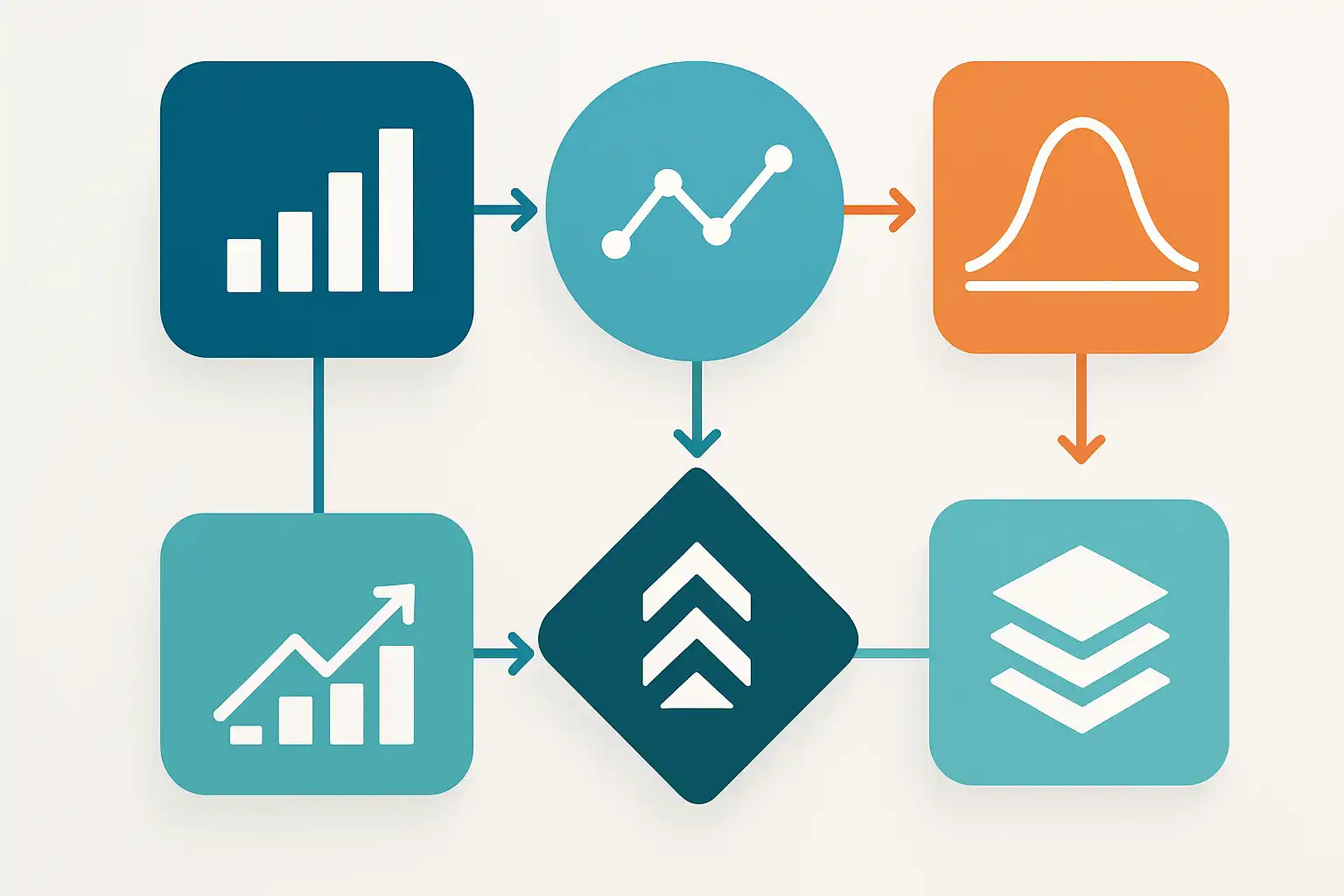
If you’re looking to improve business decisions or simply want to understand your organization’s data better, knowing the types of data analytics—descriptive, diagnostic, predictive, and prescriptive—is essential. Each approach answers a different question, from “What happened?” to “What should we do next?” In this guide, we’ll walk through these analytics types, contrast their strengths, and explain when to use each for maximum insight.
What are descriptive, diagnostic, predictive, and prescriptive analytics?
Let’s break down what each term means so you can match the right analysis to your goals. The types of data analytics descriptive diagnostic predictive prescriptive align with the four main stages of using data to inform decisions:
- Descriptive analytics looks at historical data to describe what has happened. It’s foundational, making sense of past events with reports or dashboards.
- Diagnostic analytics digs deeper. After something happens, this type asks, “Why did it happen?” It finds reasons behind trends, often using statistics or data mining.
- Predictive analytics moves forward. It uses patterns in your data to forecast future events, answering “What is likely to happen?” Tools range from statistical models to machine learning.
- Prescriptive analytics goes beyond. It recommends actions based on predictions, guiding you on “What should we do now?” Algorithms and simulations help find the best choice.
Organizations can use these analytics types separately or together, depending on what they want to achieve. In fact, most data-driven businesses build a sequence, starting with describing the past and ending with optimized decisions.
When should you use each type of data analytics?
Choosing the best analytics approach depends on your business question and available data. Let’s consider common business scenarios and see which analytics type fits:
- Descriptive analytics is best when you need an overview of what has happened so far. For example, if you want to know last quarter’s sales totals or website traffic figures, this approach will give you fast answers. Dashboards and monthly reports are classic tools here.
- Diagnostic analytics helps when something changes, and you need to know why. For instance, if your sales suddenly drop, diagnostic analytics looks for the cause—maybe a new competitor, changes in pricing, or a campaign that didn’t work as planned.
- Predictive analytics fits situations needing forecasts. Wondering how many products you’ll sell next month, or which customers might leave? This type uses models to give you a glimpse into the future.
- Prescriptive analytics shines when decisions get complex. If you need to set prices for dozens of products, optimize delivery routes, or create automated recommendations, prescriptive analytics provides actionable advice by weighing many options quickly.
For example, a retail business might start with descriptive analytics to see overall sales, turn to diagnostic methods to explore why sales spiked in one area, then build predictive models to forecast next season’s trends, and finally use prescriptive analytics to decide on product promotions or inventory levels.

How do these analytics types differ in practice?
The main difference between descriptive, diagnostic, predictive, and prescriptive analytics is the question each one tries to answer:
| Type | Main Question | Typical Tools | Common Outputs |
|---|---|---|---|
| Descriptive | What happened? | Dashboards, charts, reports | Trends, summaries, KPIs |
| Diagnostic | Why did it happen? | Data mining, statistical tests | Root cause reports, correlations |
| Predictive | What is likely to happen? | Machine learning, forecasting, regression | Risk scores, forecasts |
| Prescriptive | What should be done? | Optimization, simulations | Recommended actions |
Descriptive analytics is all about looking back. It provides simple statistics and visuals like monthly revenue graphs or customer counts. Many teams rely on data science workflow steps to automate the collection and display of these summaries.
Diagnostic analytics goes further. When you see a drop or spike in your data, diagnostics help explain why it happened. Techniques include comparing time periods, segmenting your audience, or running statistical tests. For example, after seeing a rise in support tickets, a business might find the root cause by analyzing recent product changes.
Predictive analytics answers the forward-looking questions. Using historical trends, it helps forecast sales, identify at-risk customers, or predict equipment failures. Tools like regression analysis, machine learning, or even simple rules power these models. This is especially valuable for planning, such as deciding how much inventory to keep for a busy season.
Prescriptive analytics not only predicts but also recommends the best course of action. It considers many possible choices—like hundreds of potential supply routes or price combinations—and identifies the one that maximizes value. Optimization algorithms, what-if simulations, and decision trees are common tools. For example, a logistics firm may use prescriptive analytics to choose delivery routes that save fuel and time.
What are the advantages and drawbacks of each analytics type?
Each approach comes with its unique benefits and challenges. Here’s a look at how they compare:
- Descriptive analytics
- Pros: Quick to implement, easy to understand, great for regular reports.
- Cons: Only summarizes the past, can’t explain causes or predict future events.
- Diagnostic analytics
- Pros: Identifies why things happened, helps spot and fix problems, supports deeper analysis.
- Cons: Takes more effort and skill, may need advanced tools or statistical knowledge.
- Predictive analytics
- Pros: Informs planning, helps prevent issues, and is useful for forecasting.
- Cons: Requires lots of data, can be complex to build reliable models, accuracy varies.
- Prescriptive analytics
- Pros: Gives actionable recommendations, can automate decisions, makes complex problems manageable.
- Cons: Needs significant expertise and high-quality data, can be hard to explain outcomes, costly to implement.
For many small companies, starting with descriptive analytics and building up to more advanced types over time is a practical strategy. As businesses grow, expanding into diagnostic or predictive analytics can drive new growth, especially when paired with small‑business analytics approaches tailored to specific needs.
Which tools and brands help businesses implement these analytics types?
Plenty of tools and platforms exist for each type of data analytics. Descriptive analytics often relies on spreadsheets like Excel or platforms such as Google Data Studio and Tableau, which visualize trends and KPIs easily. For diagnostic analytics, tools like Power BI, SAS, and Python libraries (like pandas and seaborn) help uncover causes and relationships in complex data sets.
Predictive analytics is powered by platforms such as IBM SPSS, Azure Machine Learning, and open-source tools like scikit-learn or TensorFlow. These help build forecasting models and risk assessments. For prescriptive analytics, brands like SAP, FICO, and Gurobi specialize in optimization and simulation—helping companies move from predictions to direct recommendations.
One important consideration is how much automation you want. Many businesses use automated reporting insights to streamline descriptive and diagnostic analytics, freeing up time and resources for more strategic predictive or prescriptive work.

How should companies choose the best analytics technique?
Selecting the right analytics type depends on several factors, including your business goals, the data you have, technical skills, and your team’s size. Here’s a straightforward way to decide:
- Define the business question. Do you want to know what happened, why, what might happen, or what to do?
- Assess your data readiness. Do you have enough quality data? The more advanced the analytics, the more complete your data should be.
- Consider your expertise and resources. If your team is new to analytics, start simple. Advanced types need deeper skills.
- Balance value versus effort. Sometimes, quick descriptive dashboards are enough. For high-stakes decisions, predictive or prescriptive tools may be worth the investment.
- Plan for growth. As you answer new questions, you can always build toward more complex analytics.
For instance, a healthcare provider might start by describing patient appointment trends, then diagnose causes for missed visits, predict high-risk no-shows, and finally prescribe interventions to improve attendance. This step-by-step process mirrors the structure of many modern Data Science Challenges and solutions seen across industries.
What else should you consider before investing in analytics?
Before launching any analytics project, think about:
- Data privacy and security (especially with sensitive customer data).
- The importance of clear communication; dashboards and visualizations must be accessible to all users.
- Ongoing maintenance, including refreshing data and updating models regularly as your business evolves.
- Human input—analytics are powerful but should support, not replace, expert decisions when context matters.
Many business leaders also incorporate feedback loops, reviewing outcomes and adjusting techniques over time to improve results.
Your questions about types of data analytics descriptive diagnostic predictive prescriptive, answered
1. Can all four analytics types be used together?
Yes, many businesses build their analytics in layers. They first understand past performance (descriptive), then find reasons for trends (diagnostic), predict what could happen next (predictive), and finally use those insights to make optimal decisions (prescriptive). This approach ensures each stage adds value and context for the next.
2. Is advanced analytics only for big companies?
No, even small businesses can benefit. While prescriptive analytics may require more resources, descriptive and diagnostic analytics are accessible to most teams. Using the right tools and clear goals, any organization can start answering key questions and grow into more advanced analytics with time.
3. What role does data quality play?
High-quality, accurate data is vital, especially as you move beyond descriptive to predictive or prescriptive analytics. Mistakes or gaps in your data can lead to wrong decisions. Regular data cleaning and well-structured data management are crucial for reliable insights.
4. How do I know if analytics are working for my business?
Track business outcomes, not just report numbers. For example, if predictive analytics helps reduce stockouts, or prescriptive analytics improves delivery speed, you’ll see real value. Regularly review the impact of your analytics projects, making adjustments as your goals change.