
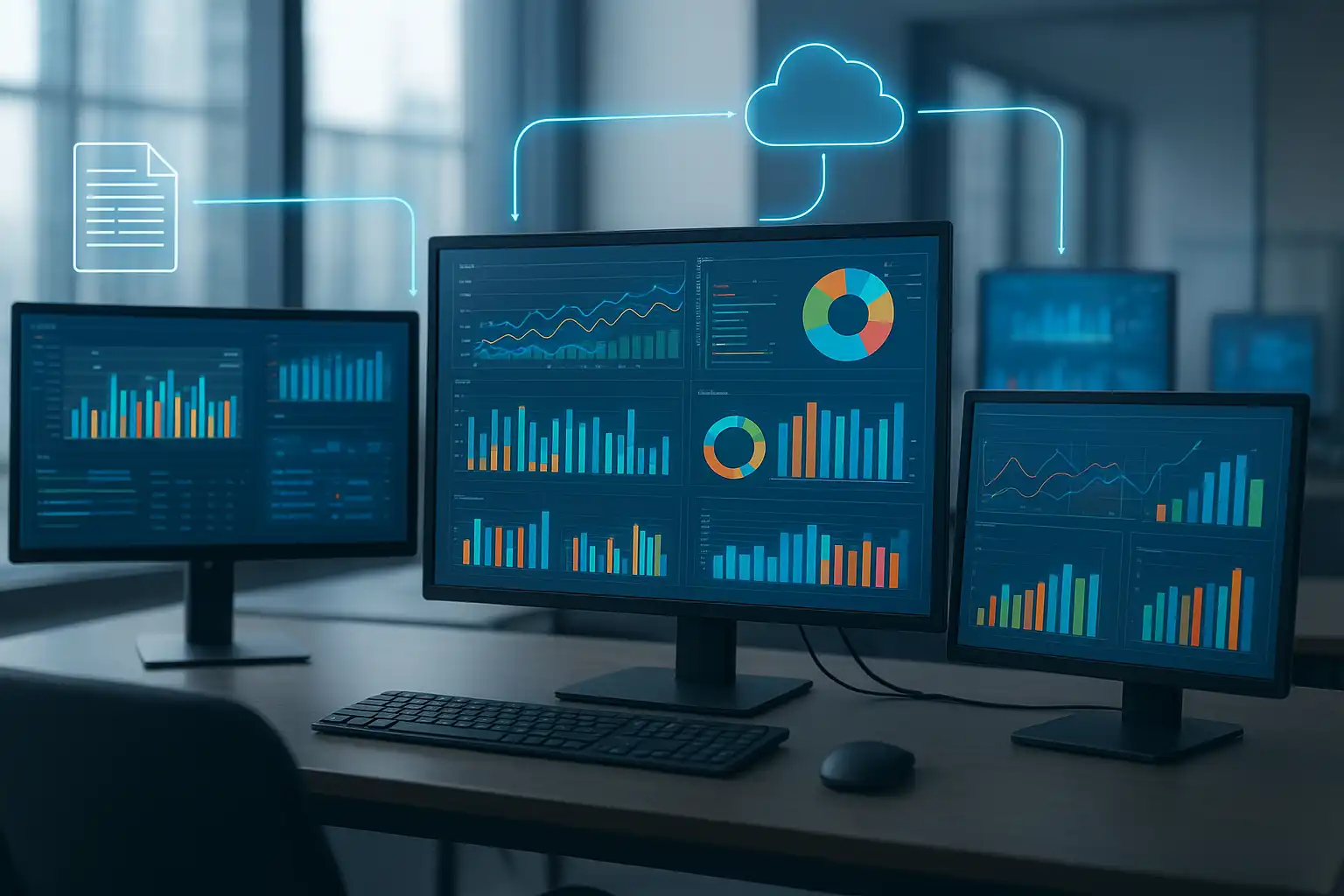
Reporting automation means using software tools to create, update, and share business reports automatically, with little or no manual work. If you have ever copied data into a spreadsheet every week for a boss or needed to send out performance dashboards to your team, you have done reporting manually. But what is reporting automation, and why are so many organizations turning to it? In short, it removes repetitive tasks and delivers timely, accurate insights, helping people make better decisions faster. Let’s explore how this works, why it matters, and what adopting it could mean for your organization.
How does reporting automation work in practice?
Imagine you have a monthly sales report that takes hours to update. You collect numbers from different databases, combine them, check for errors, and then email the report to your team. Reporting automation software handles all these steps automatically. It connects to your data sources, refreshes figures, formats the report, and sends it to the right people—without you lifting a finger each time. Automated reporting tools for businesses like Power BI, Tableau, and Google Data Studio can easily link with popular databases, spreadsheets, and cloud services. Once set up, they keep your reports up-to-date, even adding visual dashboards that show live performance indicators.
Teams often use reporting automation to standardize their processes, reducing mistakes caused by manual copying or outdated files. By automating, you reduce human error—by as much as 90% compared to manual workflows. That means greater trust in your numbers and confidence in the decisions you make.

What are the core benefits of reporting automation?
Automating your reporting gives you several clear advantages, both day-to-day and long term. Here are some key benefits:
- Saves time and money: No more manual report-building—a process that can eat up hours each week. With automation, that time is freed up for deeper analysis or other business needs, reducing labor costs.
- Improves data accuracy: Automated systems follow the same workflow every time, catching inconsistencies and errors early. This can cut reporting mistakes by up to 90%, according to industry statistics.
- Faster, better decisions: With real-time dashboards and up-to-date data, leaders and teams don’t have to wait for month-end reviews. They get instant insights and can react to trends as they happen.
- Scalable and flexible: As your data grows or reporting needs change, you can adjust automated reports easily—no need to rewrite things from scratch.
- Supports collaboration: Many automated reporting solutions let you share dashboards or schedule report delivery, so everyone works from the same information, reducing confusion.
For organizations seeking to save on operational costs and boost strategic capabilities, considering automated reporting solutions may offer significant long-term value.
Why do businesses need reporting automation?
As companies collect more data from different departments and tools, compiling accurate reports manually becomes slow and error-prone. Reporting automation software benefits every industry where quick access to reliable data matters. For example, marketing teams can track campaign effectiveness in real-time, finance departments can run up-to-date budget analyses, and sales leaders can view performance dashboards daily, not just at month’s end. By using automated data reporting tools for businesses, organizations consistently find they can respond more quickly to changes and identify opportunities faster.
Automated tools also help standardize reporting practices, making audits and compliance checks easier. This is especially important for regulated industries or companies with complex reporting needs. Having real-time reporting automation dashboards ensures everyone, from executives to front-line staff, sees current, consistent information.

What are some examples of reporting automation in action?
Let’s look at a few scenarios where reporting automation has changed the game:
- Sales teams: Automated reports pull in data from multiple CRM systems, tracking pipeline progress, deal wins, and targets—all displayed in dynamic dashboards.
- Finance departments: Automated reporting imports data from accounting software, checks for anomalies, calculates KPIs like cash flow, and generates monthly board reports without manual input.
- Marketing analytics: Tools like Google Data Studio collect campaign data from Google Ads, Facebook, and web analytics, updating performance metrics in real-time for analysis and sharing.
- Operations management: Manufacturers use reporting automation to monitor equipment efficiency, production output, and downtime, helping to pinpoint issues quickly and reduce costs.
Solvexia, a reporting automation vendor, offers tools that let companies create visual dashboards and schedule report distribution. Their customer stories show how businesses reduced reporting errors and sped up data sharing, giving managers the exact information they need when it matters most. In fact, a step-by-step guide to reporting automation often starts with reviewing current reports, selecting a platform, designing templates, connecting data sources, and then scheduling delivery to stakeholders.
How do you set up reporting automation?
Getting started with reporting automation is easier than you might expect. Here’s a basic step-by-step process:
- Identify reporting needs: List the key metrics, data sources, and users for each recurring report.
- Choose the right tool: Compare automated reporting platforms based on your budget and integration needs. Options include Power BI, Tableau, Google Data Studio, and Zoho Analytics.
- Connect data sources: Link your databases, spreadsheets, or cloud data (such as Google Sheets or SQL Server) to your reporting tool.
- Design report templates: Build visual dashboards or report layouts—most automation platforms use drag-and-drop interfaces for easy setup.
- Set schedules and rules: Decide how often reports should update and who should receive them. Set up automated delivery and sharing workflows.
- Test and refine: Review automatic reports for accuracy, check data refresh rates, and gather user feedback to improve as needed.
Throughout this setup, following a automated reporting insights approach helps teams ensure their data stays relevant and actionable.
What should you look for in reporting automation software?
The best reporting automation tool for you depends on your unique requirements. However, there are a few features most businesses value:
- Seamless data integrations: Can it connect to your main data sources easily?
- Customizable templates: Does it allow you to design reports that match your brand and team needs?
- Automated scheduling: Can you schedule updates and delivery times for each report?
- Interactive dashboards: Does it offer real-time visualizations with filtering or drill-down options?
- User access controls: Can you restrict access to sensitive reports as needed?
- Scalability: Will the platform grow with your business needs?
Most leading automated data reporting tools for businesses come with these features, but always test options with your real-world data before committing.
How does reporting automation improve data accuracy?
Manual reporting is vulnerable to copy-paste errors and outdated information slipping through unnoticed. Reporting automation improves data accuracy by using consistent logic and real-time data pulling, making outdated figures much less likely. By setting up workflows and data checks at the beginning, automated systems prevent inconsistencies before reports are even sent out. With real-time dashboards displaying key performance indicators, decision-makers can act on the latest facts, not stale numbers. This direct link to current data is one of the main reasons organizations trust automation for critical reporting.
FAQ
How does reporting automation streamline data analysis processes?
Reporting automation makes data analysis much smoother by using software-driven processes to automatically refresh and distribute reports. This removes manual handling, delivers insights faster, and dramatically reduces human error. Real-time dashboards display visual key performance indicators, and established workflows guarantee that data is accurate and up-to-date. As a result, teams can collaborate better and respond quickly to business changes.
What are the main benefits of implementing reporting automation in businesses?
The biggest advantages include saving time and costs by reducing manual effort, enhancing data accuracy while minimizing errors (by up to 90%), and supporting fast, informed decisions with timely, relevant insights. Automation makes it easy to scale workflows, connect multiple data sources, and collaborate through shared dashboards or scheduled reports. Ultimately, this creates both operational efficiency and a strategic edge for responding to changing markets and KPIs.
Can you provide real-world examples of reporting automation improving decision-making?
Yes. Businesses using reporting automation tools like Solvexia’s platform gain timely, accurate reports and dashboards, empowering leaders to track real-time KPIs, spot trends, and share insights without delays. Customer case studies show that automating reports reduced mistakes and sped up the flow of information, giving managers what they need to make smarter, faster decisions.